With 40% of Google Maps usage on mobile devices, we want you to have a consistent Google Maps experience wherever you use it. So, today we’re announcing our updated Google Maps experience for mobile browsers on Android and iOS.
Now, when you visit maps.google.com on your phone or tablet’s browser and opt-in to share your location, you can use many of the same Google Maps features you’re used to from the desktop. This will allow you to:
- See your current location
- Search for what’s nearby with suggest and auto complete
- Have clickable icons of popular businesses and transit stations
- Get driving, transit, biking, and walking directions
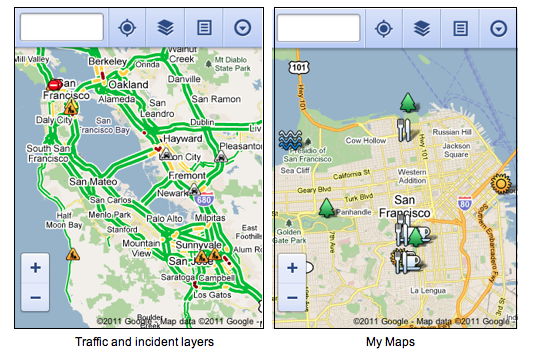
- Turn on satellite, transit, traffic, biking, and other layers
- View Place pages with photos, ratings, hours, and more
- When signed into your Google account, access your starred locations and My Maps
 This past weekend, I was at a team off-site at a ropes course and needed to find a good deli spot to grab lunch. I opened Google Maps on my mobile browser and searched to locate a popular deli nearby. A few finger taps later, I had viewed photos and reviews on the deli’s Place page and found the quickest way to get there using driving directions- all from my mobile browser.
To get started exploring Google Maps in your mobile browser, go to http://maps.google.com or any domain where Google Maps is available. Learn more in our help center.
